
Antigravity in Threadlines
Antigravity's agent, without the IDE
Antigravity is Google's agent-first IDE, and its agent also runs on its own. Threadlines installs and runs that agent for you, so Gemini models sit next to Claude Code and Codex.
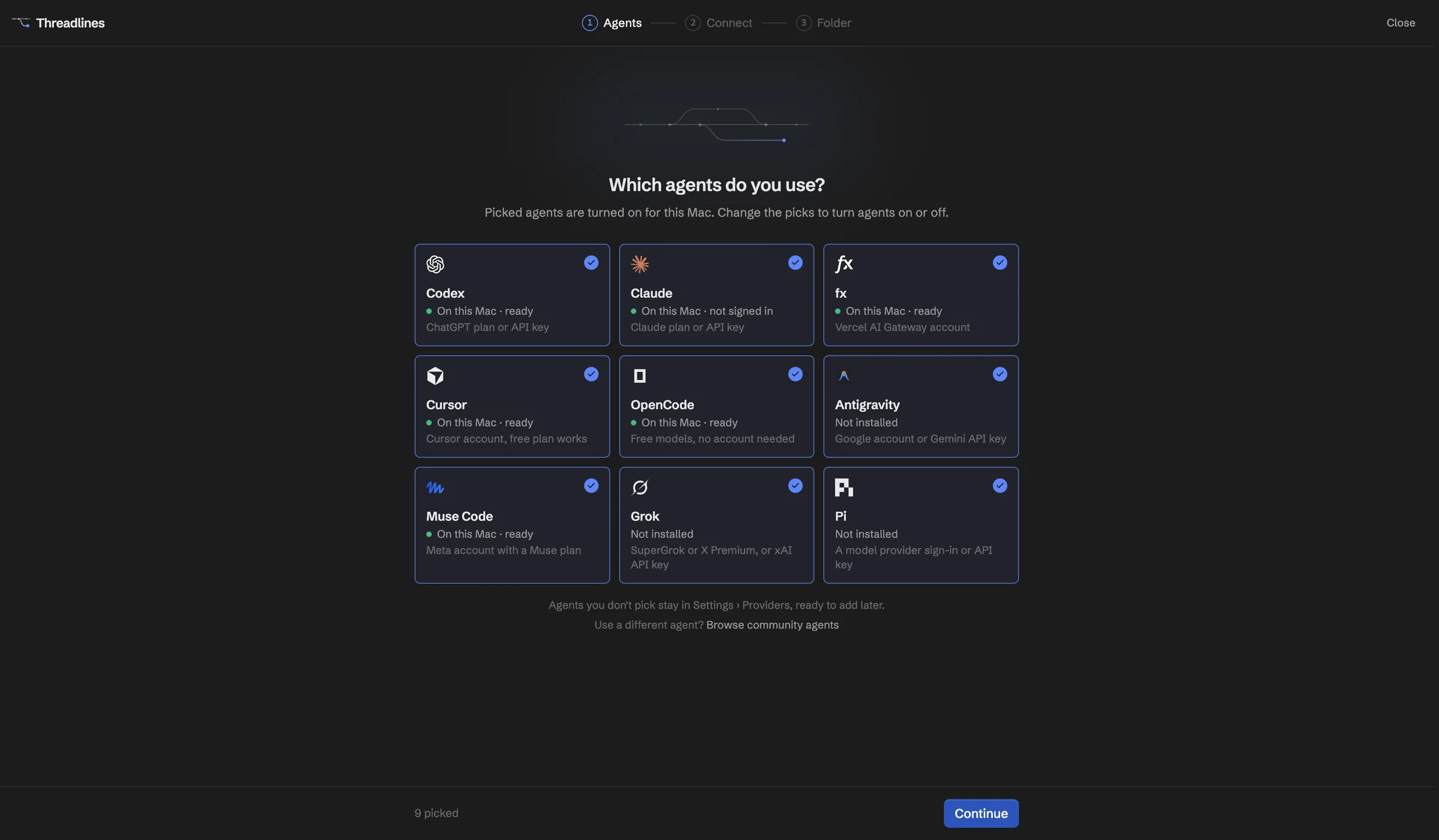
What works with Antigravity
One-click install
Downloaded, verified and updated from Settings.
Four ways to sign in
Google account, Gemini Enterprise, API key or Vertex AI.
Plan mode
Get a plan before any edits.
Access levels
Mapped onto Antigravity's own modes.
More than one account
Pick which Google account each thread uses.
Reasoning options
Choose how hard Gemini thinks.
Set up in four steps
- 01Download Threadlines
- 02Install Antigravity from Settings › Providers
- 03Sign in with Google, an API key or Vertex AI
- 04Open a project and start a thread
In every thread
Two agents, one thread
Add a second agent to check the first.
Pull requests and CI
Review them beside the chat.
Built-in browser
Preview your site and attach a screenshot.
A worktree per thread
Keep each agent's changes apart.
Questions
Do I need the Antigravity IDE?
No. Threadlines installs only the agent server it needs.
Does a Gemini API key cost money?
It can. API keys and Vertex AI bill per use past any free tier Google gives you, and that usage doesn't appear on Threadlines' Usage page. Signing in with a Google account uses your plan instead.
Which models can I pick?
The ones Google offers your account. Some plans only see Gemini models, and Threadlines shows what Google returns.
What does it cost?
Threadlines is free and MIT-licensed. Antigravity's cost depends on how you sign in.
Other agents
Antigravity is made by Google. Threadlines is an independent open-source project and isn't affiliated with or endorsed by Google.