Grok in Threadlines
A desktop GUI for Grok Build
Grok Build is xAI's coding agent. Threadlines runs it with your Grok subscription and shows its subagents and shells as they run.
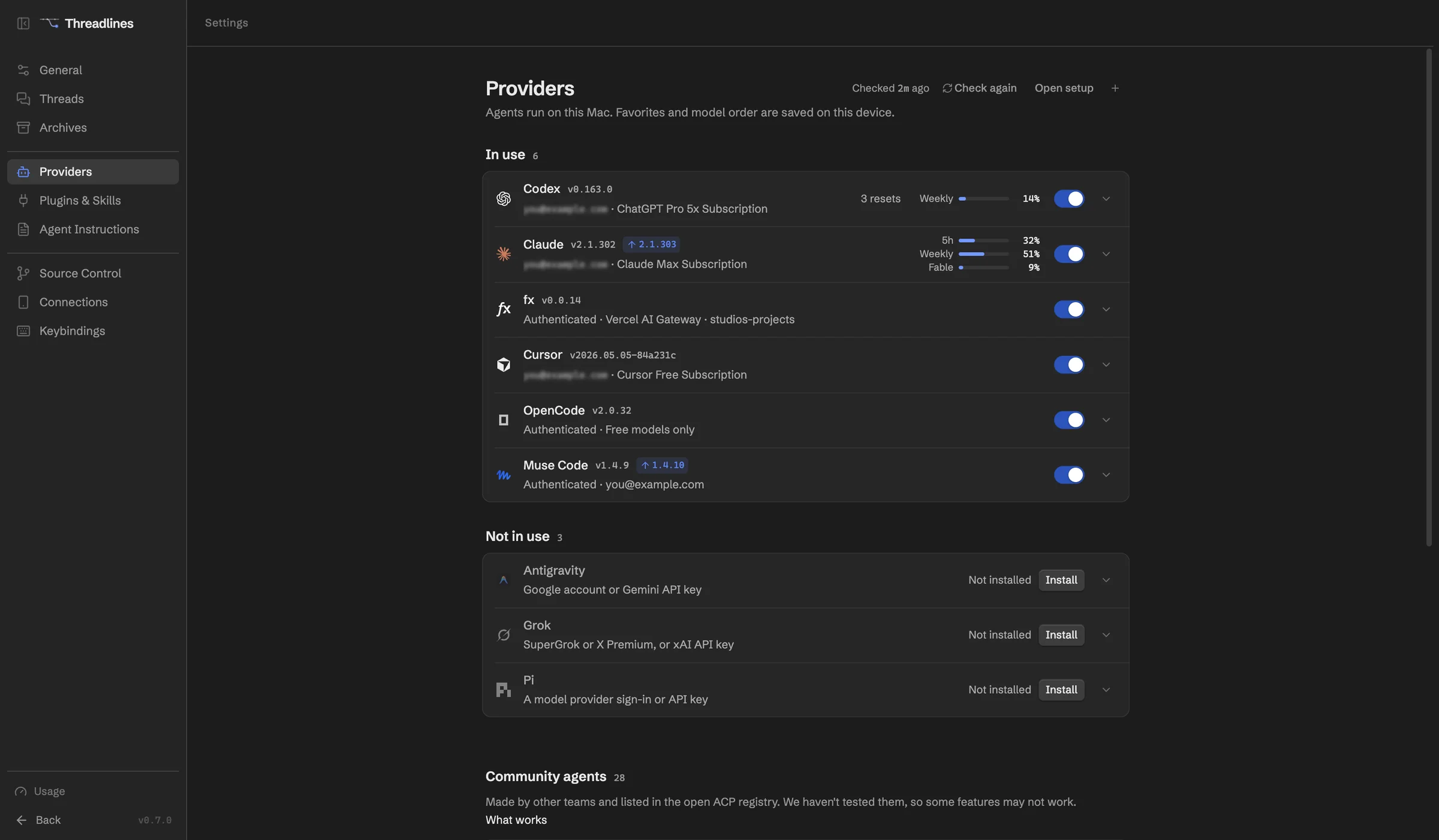
What works with Grok
Your Grok subscription
SuperGrok or X Premium, with credit meters.
Plan mode
Get a plan before Grok touches files.
Subagents and shells
Watch them live in the thread.
Steer mid-turn
Grok reads your message in the same turn.
Fork and revert
Grok's own history follows.
More than one account
Pick which one each thread uses.
Set up in four steps
- 01Download Threadlines
- 02Install Grok Build from Settings › Providers
- 03Sign in with your Grok subscription or an xAI key
- 04Open a project and start a thread
In every thread
Two agents, one thread
Add a second agent to check the first.
Pull requests and CI
Review them beside the chat.
Built-in browser
Preview your site and attach a screenshot.
A worktree per thread
Keep each agent's changes apart.
Questions
Does an xAI API key cost extra?
Yes, a key bills per request. Threadlines keeps a stray XAI_API_KEY in your environment away from your subscription sign-in, so you don't pay by accident.
Which access levels does Grok support?
Approval required, Auto and Full access. Grok has no accept-edits-only mode.
What does it cost?
Threadlines is free and MIT-licensed. You pay xAI for your Grok plan, or per request with an API key.
Other agents

Grok is made by xAI. Threadlines is an independent open-source project and isn't affiliated with or endorsed by xAI.